
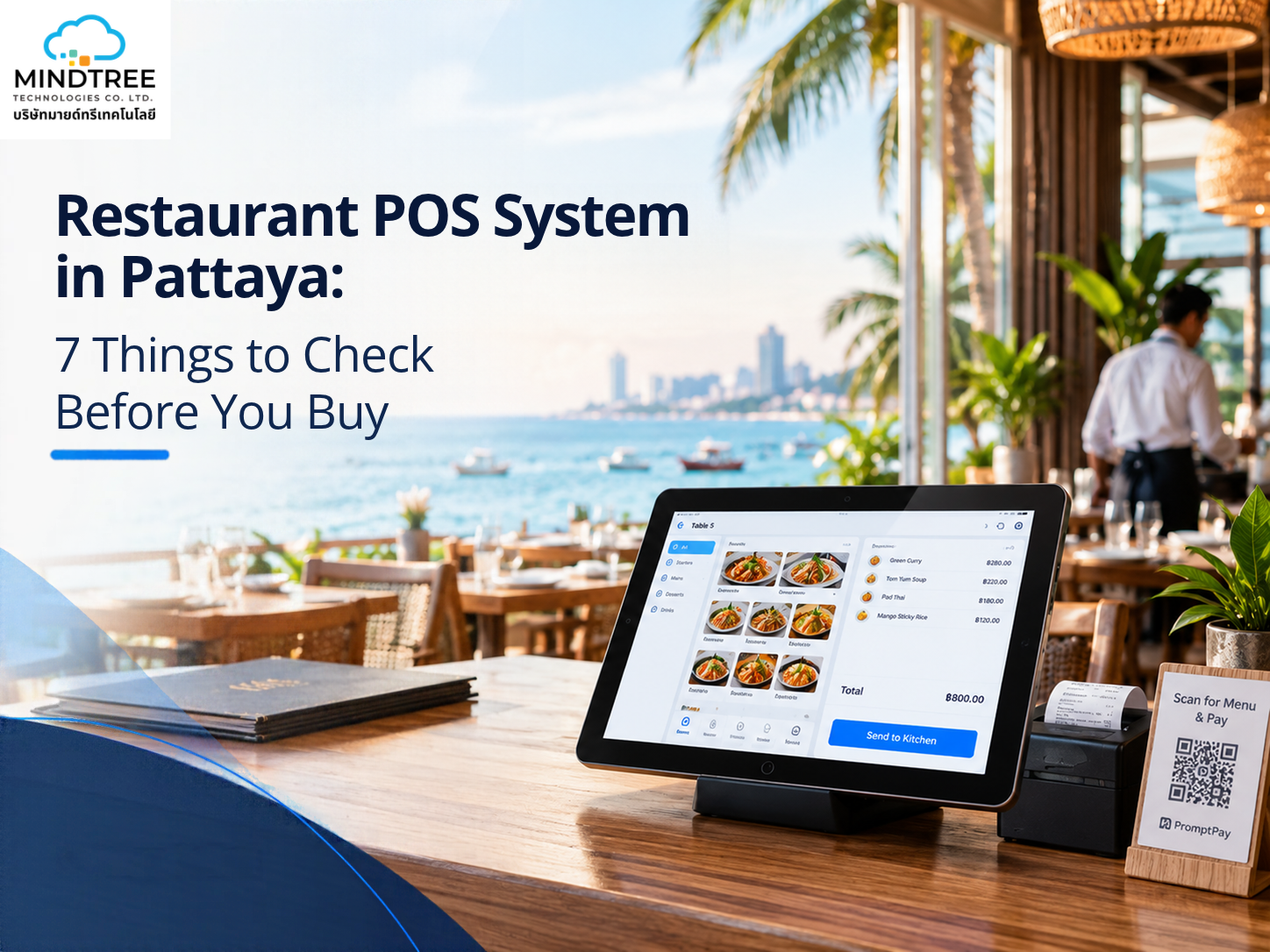
POS problems rarely show up in a sales demo. They show up on your busiest Friday night. So before you choose a restaurant POS system in Pattaya, check seven things: PromptPay and Thai QR payments, offline mode, tax receipts and split bills, tourist-friendly languages, a connected system that can grow, local support, and total cost including devices. If a system fails two or three of these, keep looking.
Mindtree Technologies Co. Ltd. is a software company based in Pattaya, in Nongprue, Bang Lamung, Chon Buri. Our eWaiter software in Pattaya is built for restaurants, bars, cafes and hotel outlets. The checks below are the ones we’d want any owner to run before signing, whichever vendor they pick.
What does a restaurant POS system actually do?
A restaurant POS (point of sale) is the software your team uses to take orders, send them to the kitchen, print bills and accept payment. Good restaurant billing software also tracks stock and shows daily sales, so every order and every baht is recorded in one place.
With cloud based software in Pattaya, your data is stored online. You can check sales from your phone, even when you’re not at the restaurant.
How does a POS work in a restaurant?
Your waiter enters the order on a phone or tablet, the kitchen receives it on a screen or printer, and the bill is closed with the guest’s chosen payment. The system records every step, so you can review sales and stock usage later. Mindtree’s eWaiter POS covers this flow in one system.
Here’s the usual order of events:
- The waiter takes the order with a captain app on a phone or tablet, or the guest orders from a QR menu at the table.
- The kitchen gets the order on a kitchen display or a printed kitchen order ticket.
- The guest asks for the bill, and the waiter or cashier closes it.
- The guest pays by PromptPay, Thai QR, or another payment option.
- Sales and stock reports are ready for you to review.
Why does Pattaya need a different kind of restaurant POS?
Pattaya restaurants serve Thai guests, expats and tourists from many countries, often in the same evening. Peak nights bring big groups, mixed payments and constant pressure, and internet in busy areas can drop. A system built for a quiet daytime café can struggle here.
Picture a Friday night in high season, roughly November to February. Eight tables are ordering at once, one group wants to split the bill four ways, and the Wi-Fi drops. That’s when your POS gets tested, and every check below comes from nights like that.
The 7 things to check
1. Does the POS accept PromptPay and Thai QR?
It should. PromptPay is Thailand’s national QR payment system, launched in 2016 and overseen by the Bank of Thailand, and most Thai guests expect to scan and pay with their banking app. Your POS should handle this on the same screen as the bill, so staff don’t switch between apps.
Ask whether the QR code is created from the bill total, so nobody has to type the amount twice.
Mindtree’s POS software in Pattaya runs on the Omise payment gateway, with PromptPay and Thai QR included. Whichever vendor you talk to, ask which gateway they use, what fees apply, and whether cards are supported too.
2. Does the POS keep working when the internet drops?
It should. A good POS keeps taking orders and payments offline, then syncs once the connection returns. Without that, a Wi-Fi drop on a busy night means lost orders, slow tables and unhappy guests. Ask exactly what still works offline before you buy, including printing.
Bad weather or a problem with your internet provider can cut the connection, and busy beach areas can be unreliable in peak season. Mindtree’s POS has an offline mode that works even when the internet is down.
You can test this yourself. Ask any vendor to switch off the Wi-Fi during the demo and show you what still works: ordering, bills, payments and printing.
3. Does the POS handle Thai tax receipts and split bills?
It should. Ask the vendor to show you a Thai tax invoice, full or abbreviated, and to split one bill several ways on the spot. Slow or manual billing holds up your till when a big group wants to pay separately, and tax receipts are far easier to fix before you sign than after.
VAT and tax invoice rules are set by Thailand’s Revenue Department, and what you need depends on your business, for example whether you’re VAT-registered. Confirm with your accountant first. Then check the end of the day too. Can you match cash, card and PromptPay payments from one clear report?
Mindtree’s POS includes flexible payment options and real-time insights into your sales. Ask us to show you a split bill in the demo, just like you’d ask any other vendor.
4. Can tourists order in their own language?
They should be able to. Look for a menu guests can open on their own phone in their own language, because tourists order faster and make fewer mistakes when they can read every dish. Ask for the exact list of languages, not just “multiple languages”.
Depending on your guests, that list might need to include English, Chinese, Russian and more. Mindtree’s digital QR menu in Pattaya opens straight from a QR code, with no app download. You can update dishes and prices in real time, and orders reach your team by WhatsApp or email.
Also check the staff side. Can your whole team, Thai and non-Thai, use the screens comfortably?
5. Does everything work together, and can it grow with you?
Ordering, kitchen and billing should sit in one connected system, not in separate apps. Separate tools create missed tickets and double entry. Check too that you can add stock control, more outlets or online ordering later without switching software. Changing POS halfway is painful.
Good restaurant management software in Thailand does more than print bills. Ask:
- Do QR orders reach the kitchen screen or printer by themselves?
- Can it track ingredients, not just dishes?
- Can you control what each staff member can do, like giving discounts or voiding items?
- If you sell on delivery apps such as GrabFood or LINE MAN, do those orders reach the POS, or does someone retype them?
- Can you add another branch or a hotel link later?
Mindtree’s eWaiter/RMS brings point-of-sale, inventory control and contactless QR ordering into one system. It includes a kitchen display system, kitchen order tickets on separate printers, and QR table ordering with payment. It also has detailed stock reports, purchase management, and a single owner app for multi-branch venues.
With online food ordering software in Thailand, you can also take orders directly. If your restaurant sits inside a hotel, hotel management software in Pattaya can connect restaurant bills to room bills.
6. Who picks up the phone when something breaks?
Look for a local team you can actually reach, ideally in both Thai and English. Ask about support hours, response times and whether setup and staff training are included. A cheap system that goes quiet at 8pm on a Friday costs more than it saves.
Mindtree is based in Pattaya, and dedicated support is part of the service. Ask us the same questions about hours and response times. We’d rather you ask.
7. What’s the real total cost, including devices?
Ask for a written quote that covers software, hardware, payment fees, setup, training and support. Some systems look cheap until you add QR ordering or reports. Compare the full cost over the contract period, not just the monthly fee.
Ask every vendor:
- Is hardware included, or bought separately?
- What are the payment processing fees?
- Do QR ordering, reports and inventory cost extra?
- Is menu setup and training included?
- What are the contract length and cancellation terms?
- What happens to the price if I add a second branch?
Also check devices. Mindtree’s eWaiter POS works on Windows, Android and iOS, so you can often reuse tablets, phones and PCs you already own. Printers and cash drawers need a separate check, so bring your printer’s model name to the demo.
Prices depend on your setup, so get a quote for your own restaurant. That applies to us too.
Quick comparison: what to ask and what to watch for
Check | A good answer | Warning sign |
PromptPay and Thai QR | Built into the POS, gateway named | “You can add it later” |
Offline mode | Orders and payments work offline, then sync | Only “works with good Wi-Fi” |
Tax receipts and split bills | Sample tax invoice shown, bills split in seconds | Manual receipts or slow splitting |
Languages | A clear list of languages | “Multiple languages” with no list |
Connected system | QR, kitchen, billing and stock in one place | Separate apps that don’t talk |
Support | Local team, stated hours, training included | Email-only or overseas support |
Cost | Written quote with all fees and contract terms | One low monthly price, nothing else |
Common mistakes when buying a POS
- Choosing by monthly price only. Hardware, fees and add-ons can change the real cost.
- Skipping the offline test. You find out it doesn’t work on your busiest night.
- Leaving tax receipts for later. Check them in the demo, not after you’ve signed.
- Assuming tourists will read a Thai-only menu. They won’t, and it slows every table.
- Forgetting about printers. A POS that can’t talk to your kitchen printer is a daily headache.
- Buying for today only. Your needs change when you add a bar, a second branch or delivery.
How to test a POS in a demo
Bring your real menu, your printer model and your usual problems to the demo, and ask the vendor to try them live. Don’t just watch a presentation. A few minutes of testing tells you more than a brochure.
- Write down your 7 questions before the call.
- Ask them to turn off the Wi-Fi and take an order.
- Pay a test bill with PromptPay.
- Split one bill between four people.
- Ask to see a tax invoice.
- Ask for the full quote in writing.
Final Advice Before You Buy
A POS is a daily tool, so the best one is the one your team actually likes using. Run the seven checks, ask the hard questions, and trust what you see in the demo. The same seven checks work for any restaurant POS system in Thailand, not just in Pattaya.
Mindtree Technologies Co. Ltd. is based right here in Pattaya, and our eWaiter POS is built for restaurants, bars, cafés and hotel outlets. If you’d like to see how it handles a busy night in your restaurant, book a free demo and bring your menu, your printer model and your toughest questions. We’d rather you test it properly than take our word for it.
Restaurant POS in Pattaya: Your Questions, Answered
Does a restaurant POS in Pattaya need to work offline?
Yes, it’s worth having. Internet in busy tourist areas can drop, especially in peak season. With an offline mode, your team can keep taking orders and payments instead of going back to pen and paper. Mindtree’s eWaiter POS includes an offline mode that works even when the internet is down.
Can I accept PromptPay and cards?
Yes, a good POS handles both. PromptPay and Thai QR should be built in, and you should also ask about cards and fees. Mindtree’s POS supports PromptPay and Thai QR through the Omise gateway, and offers flexible payment options.
Does a restaurant POS need to produce tax invoices?
Many restaurants need proper tax receipts, depending on whether they’re VAT-registered. Ask any vendor to show you a sample during the demo, and confirm what you need with your accountant.
Can customers order from a QR code in their own language?
Yes. Mindtree’s QR menu opens straight from a QR code with no app download, and it supports multiple languages. Ask any vendor you’re considering for the exact language list.
What’s the difference between a restaurant POS and restaurant management software?
A POS handles orders, bills and payments at the table or till. Restaurant management software usually adds back-office tools such as stock, purchasing, reports and multi-branch control. Many systems, including Mindtree’s eWaiter/RMS, combine both in one platform.
Can one POS run both a restaurant and a bar?
Yes. Mindtree’s POS can be used at restaurants, bars, clubs, cafés and hotel outlets. If you run a bar too, a bar POS system in Thailand can run on the same platform.
Is there a free demo?
Yes. Mindtree offers a free demo. Bring your menu and your questions, and we’ll show you how it works for your restaurant.